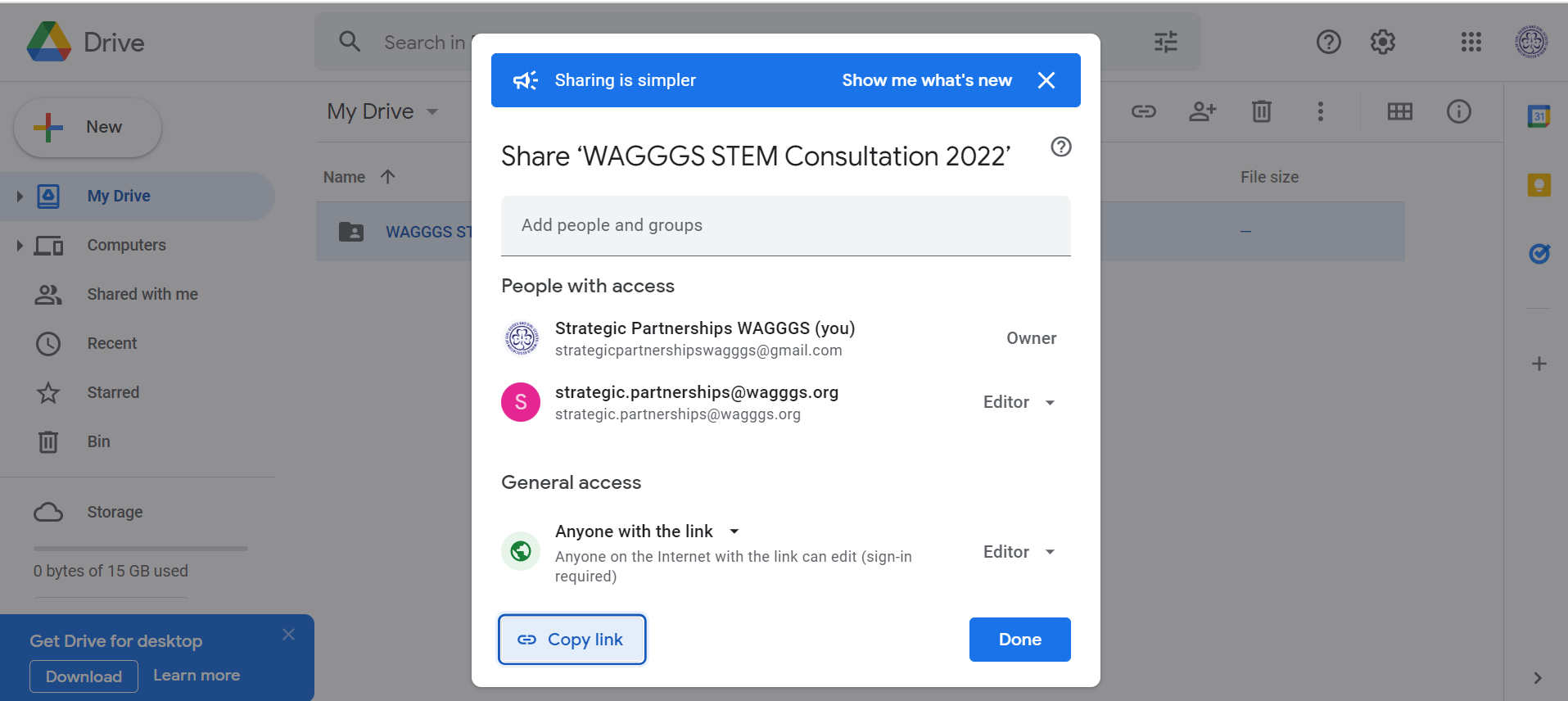
Steps how to share a Google Folder in the feedback form
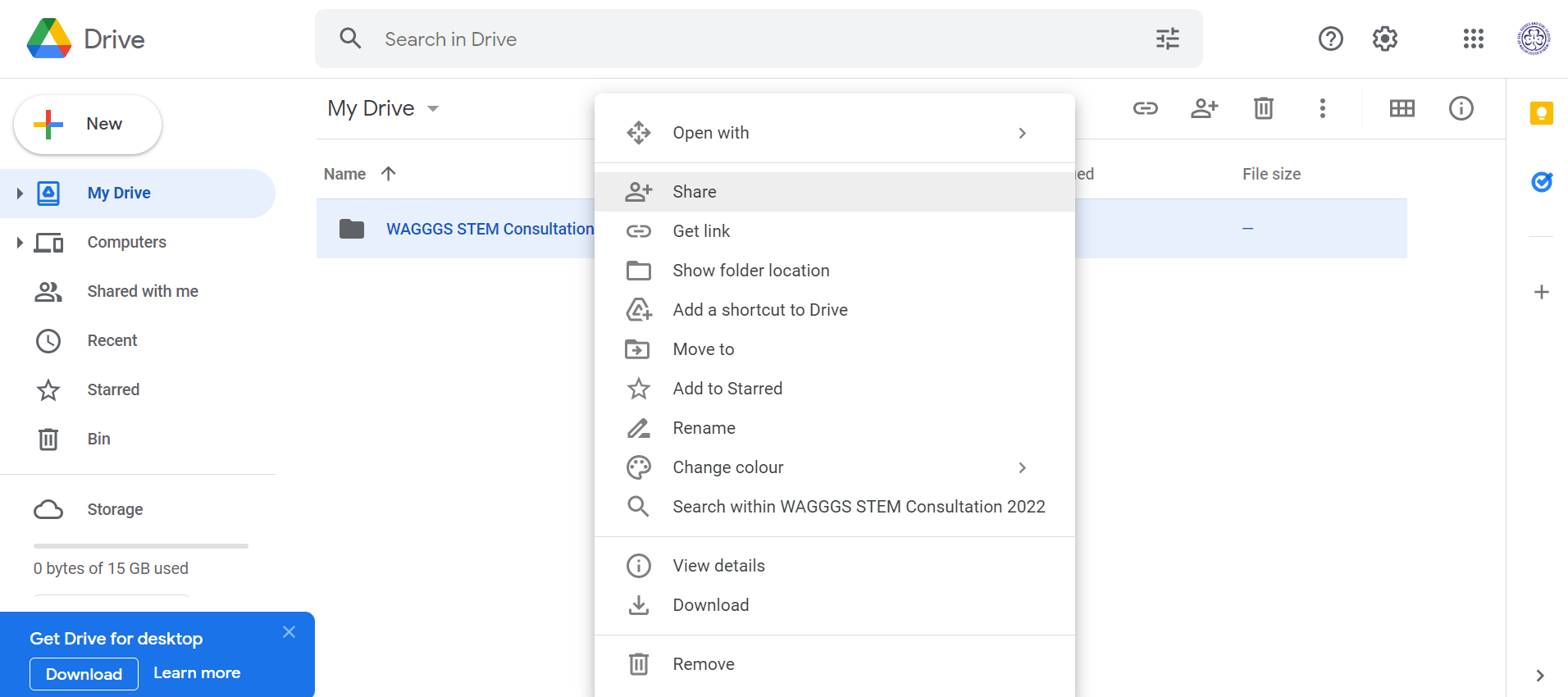
Right click the folder you want to share and select “Share”
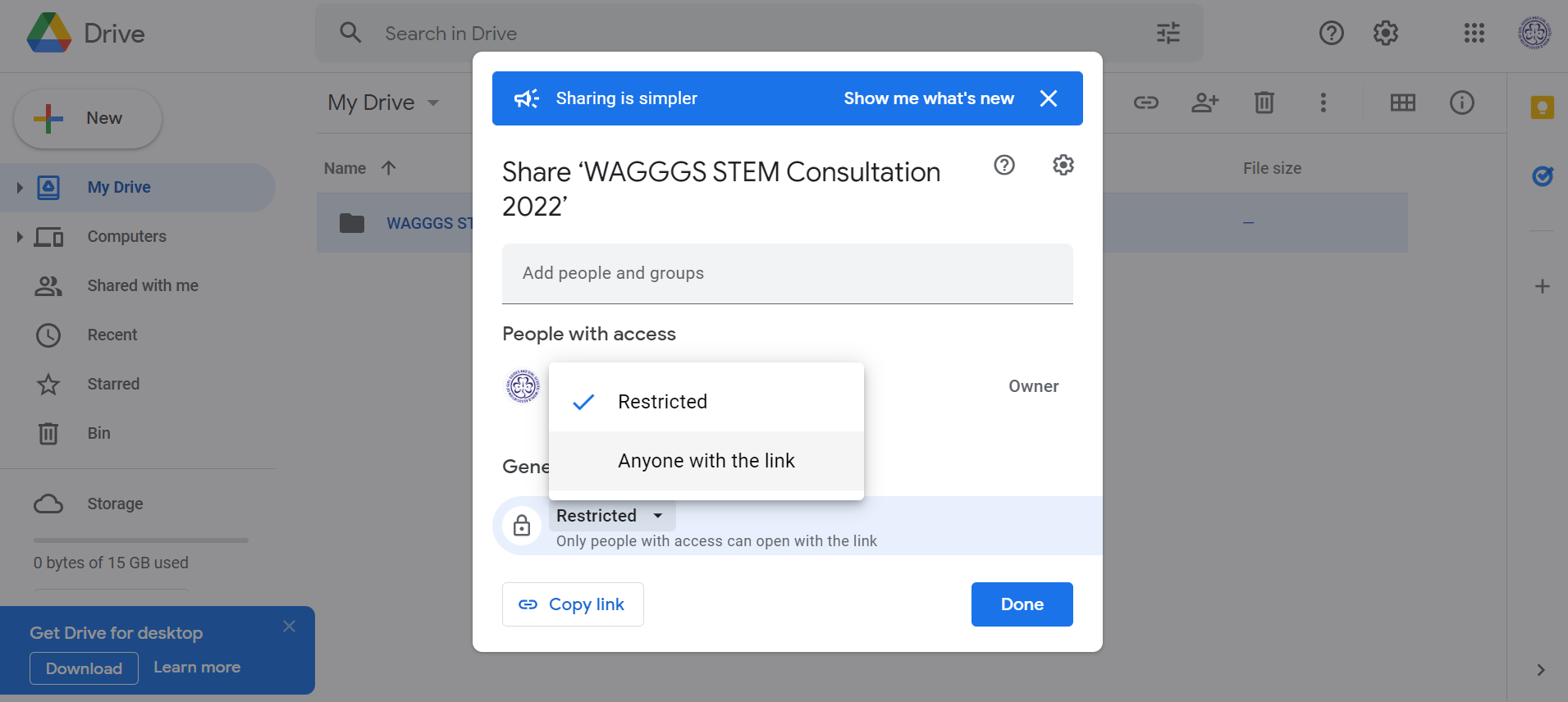
Change sharing setting to “Anyone with link”
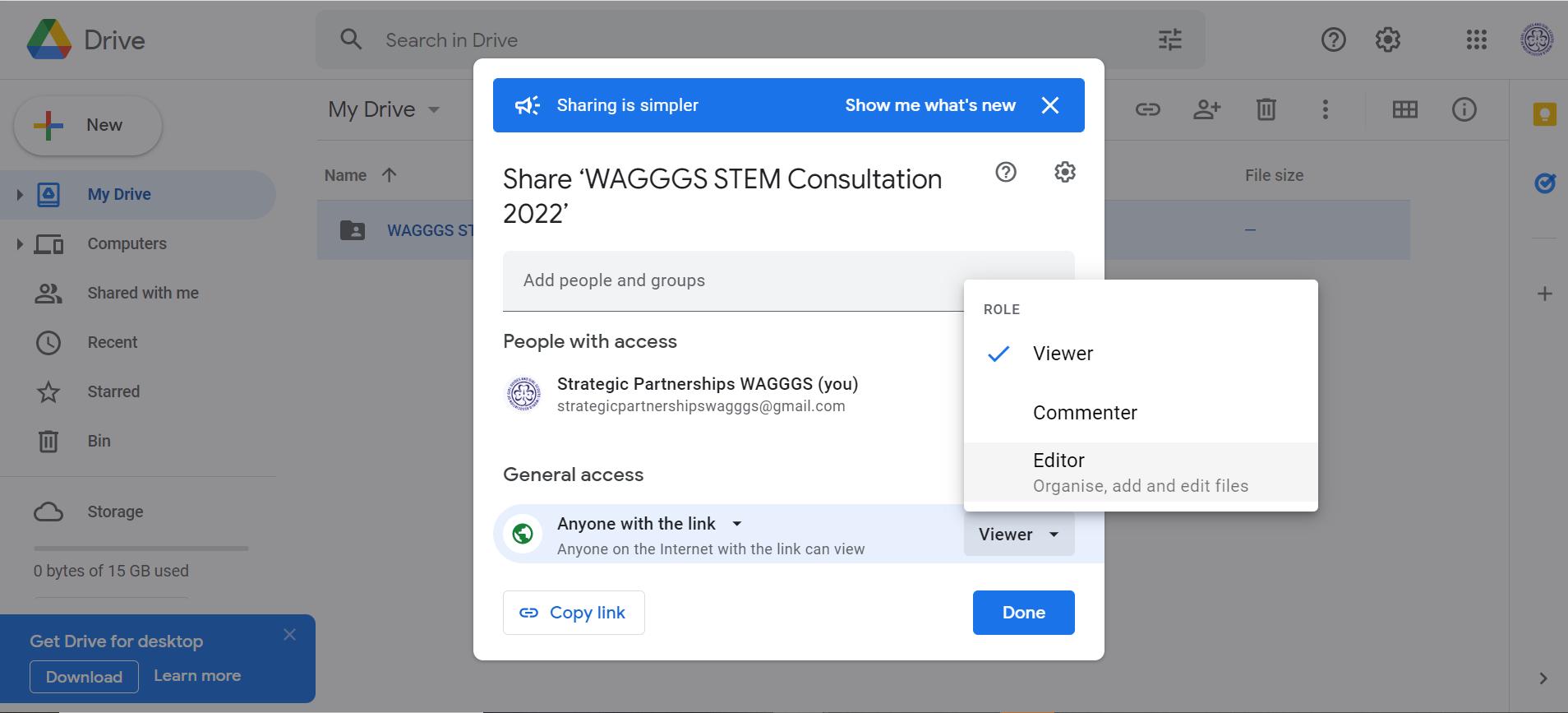
Change setting of “Anyone with link” to “Editor”
Type in the email addresses to share with ( [email protected] and [email protected] )and press “Send”.
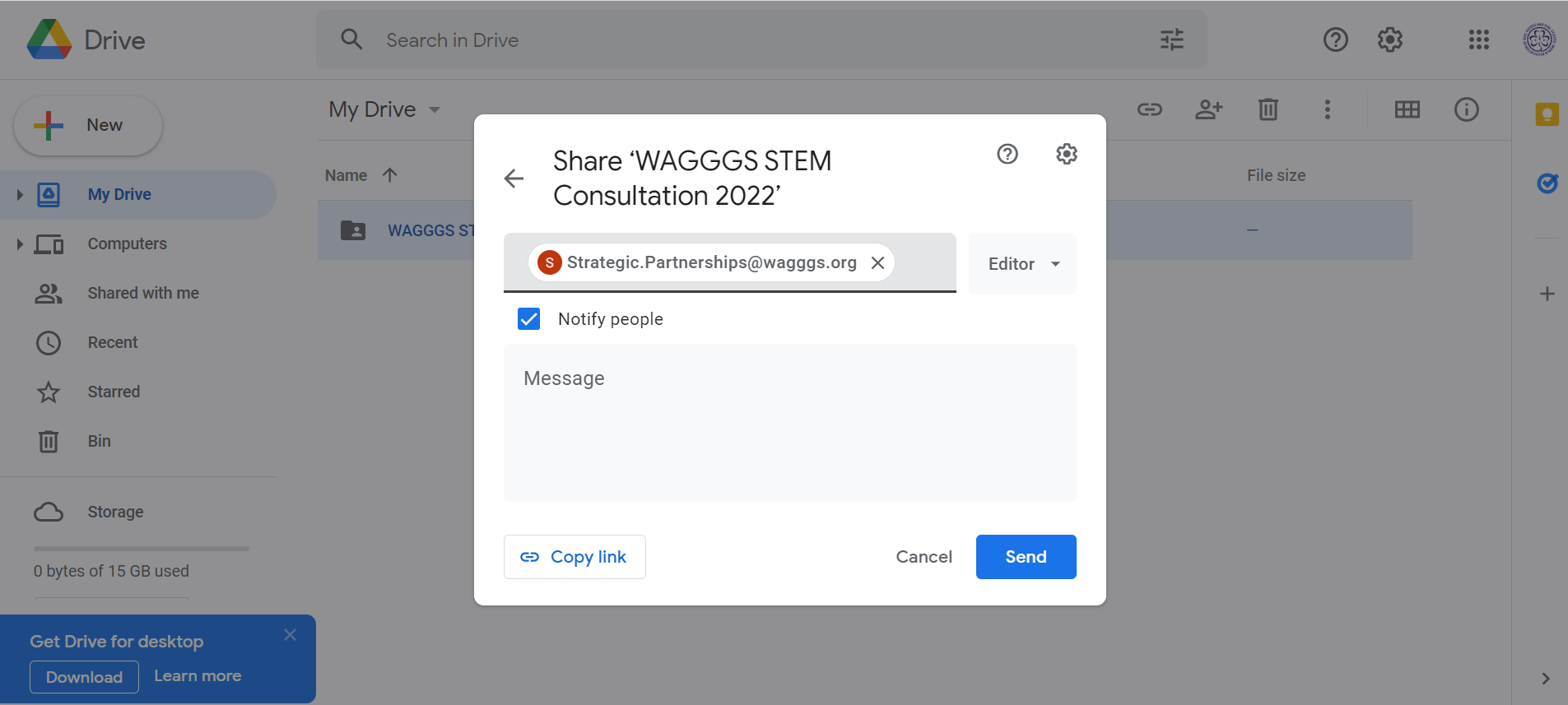
Follow the steps above, and select “Copy Link” then paste the link in the form.