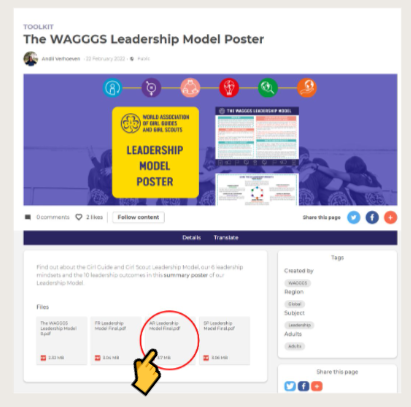
Some resources provide the option to download documents in all or some of the WAGGGS official languages.
📌 To download files simply click on the file icon. The file will either open in a new tab or download automatically to your device.
If the file opens in a new window simply click the download button in the top right corner to download to your device.
Downloads will either display at the bottom of your browser window or you will find them in the Download folder on your device.